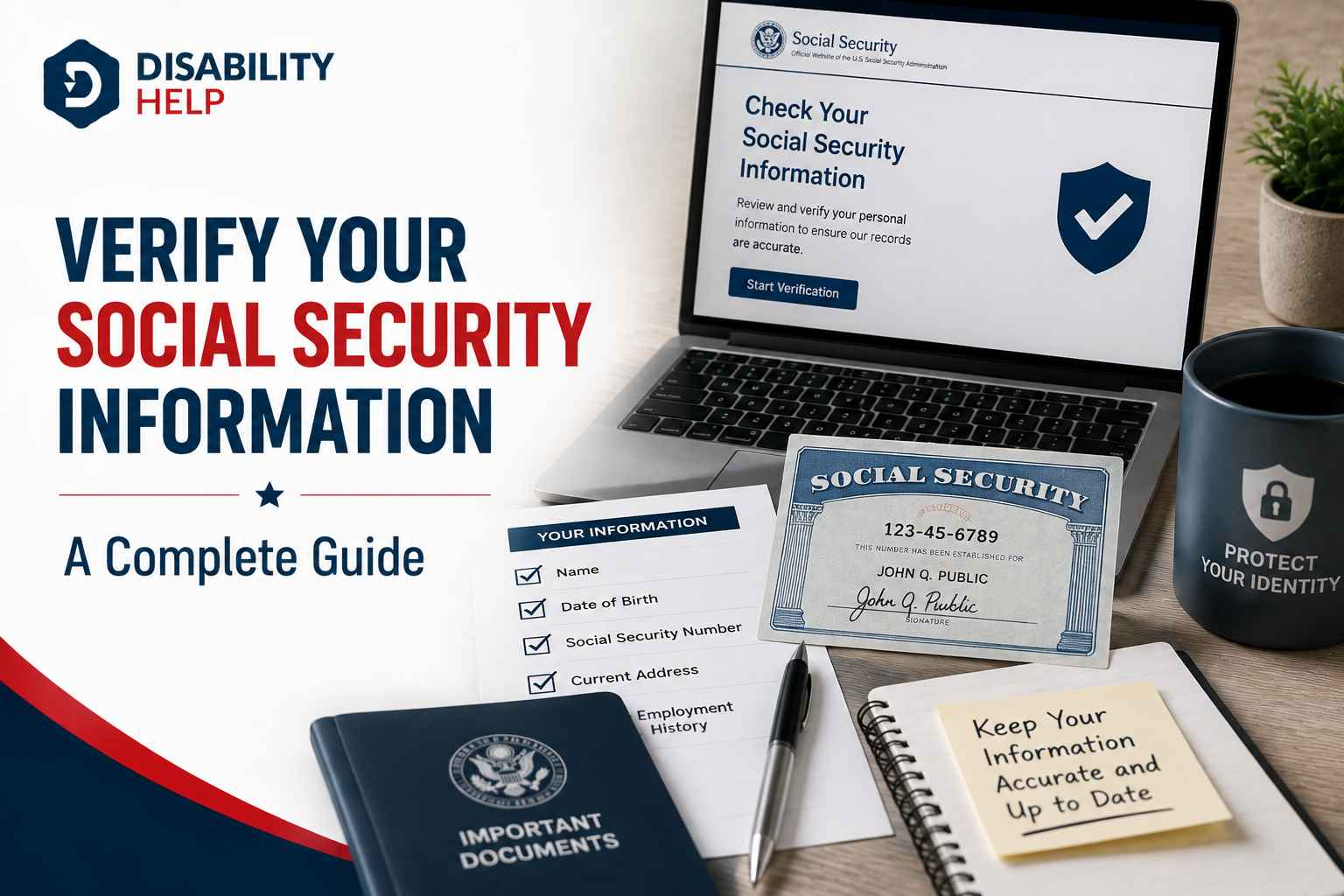
You can verify your Social Security information in three main ways: through a free personal my Social Security account online, by requesting a benefit verification letter as proof of your benefits, or, for employers and approved businesses, through one of the Social Security Administration's dedicated verification services. Which method fits depends on who you are and what you need to confirm. This matters more than most people realize. As of November 2024, government imposter scam losses tied to Social Security topped $577 million, and the SSA remains the top government agencyThe capacity of individuals with disabilities to act independently and make their own choices. scammers impersonate.
Below you will find the exact tools for individuals, employers, and third parties, plus how to protect your number if something goes wrong. If you are applying for or receiving disability benefitsFinancial assistance provided to individuals who are unable to work due to a disability, such as Soc..., an accurate, verified record with the SSA is part of protecting your claim.
Key Takeaways
- Individuals verify online: A free my Social Security account is the main tool to check your earnings, estimate benefits, and print proof of benefits.
- Proof of benefits on demand: A benefit verification letter confirms your benefit amount or application status and downloads instantly from your online account.
- Login changed in 2025: Since June 7, 2025, you can sign in to SSA online services only with a Login.gov or ID.me account, not an old username.
- Employers have two free tools: SSNVS confirms that a name and SSN match SSA records, while E-Verify confirms work authorization through DHS and SSA.
- Third parties pay to verify: CBSV lets approved businesses confirm an SSN with written consent for a $5,000 enrollment fee plus $2.25 per check.
- Fraud is rising: Employment identity theft using stolen SSNs rose 20% in 2024, which makes regular monitoring of your record essential.
- Act fast on misuse: Report suspected SSN theft to the SSA OIG, the IRS, and the FTC, then consider a credit freeze with all three bureaus.
What Does It Mean to Verify Your Social Security Information?
Verifying your Social Security information means confirming that your name, Social Security number (SSN), date of birth, earnings, or benefit details match the official records held by the Social Security Administration (SSA). Different groups verify for different reasons, so the right tool depends on your role.
Social Security number (SSN): The nine-digit number the SSA uses to track your earnings and, later, your benefits. Verifying it means checking that a name and SSN pair match SSA records.
Identity proofing: The process the SSA uses to confirm you are who you say you are before it grants access to sensitive services, such as changing direct deposit.
Benefit verification letter: An official SSA document, also called a proof of income letter or budget letter, that confirms your benefit amount, your application status, or that you do not receive benefits.
SSN matching: Confirming that a name and SSN pair match SSA records. Employers and approved businesses check this, and it is separate from proving identity.
How Do Individuals Verify Their Social Security Information?
Individuals verify their Social Security information through a free personal my Social Security account. The account lets you review your earnings record, estimate future benefits, request a replacement card, and download proof of benefits or tax forms without visiting an office.
The sign-in process changed recently. Effective June 7, 2025, Login.gov and ID.me are the only ways to sign in to SSA online services. The old username and password option was removed. To create an ID.me account, you need an email address, a government-issued photo ID, and a device with a camera. A mobile phone is not required, because you can add multi-factor authentication with a security key, a landline, or backup codes.
To confirm your benefits, you can request a benefit verification letter. This letter proves your benefit amount or status, and you can download it instantly once you are signed in. Landlords, lenders, and assistance programs often accept it as proof of income.
Identity rules for direct deposit changes also tightened. Beginning April 28, 2025, if you change your direct deposit by phone at 1-800-772-1213, you first get a one-time code from ssa.gov/PIN through your online account. If you cannot create an account, you can make the change in person or through your bank. There is good news for benefit applicants, though. Under the policy that started April 14, 2025, people applying for SSDI, SSI, or MedicareA U.S. federal health insurance program for people aged 65 and older, and for some younger people wi... who cannot use an online account can complete the claim entirely by phone, with no office visit for identity proofing.
If you have a claim in progress, you can also check the status of a pending disability claim through the same online account, which keeps your verification and your claim tracking in one place.
How to Create a My Social Security Account: Step by Step
Setting up your account takes about 15 minutes. Follow these five steps.
- Go to ssa.gov/myaccount and select the option to create an account.
- Choose your credential partner, either Login.gov or ID.me. If you already have one of these accounts, sign in with it instead of making a new one.
- Verify your identity with an email address, a government-issued photo ID, and a device with a camera.
- Set up multi-factor authentication. Pick a security key, landline, or backup codes if you do not use a mobile phone.
- Sign in to review your earnings record, estimate benefits, or download a benefit verification letter.
Which Social Security Verification Method Applies to You?
Four official methods cover almost every verification need. The table below shows who uses each one, what it confirms, the cost, and whether consent is required.
| Method | Who uses it | What it confirms | Cost | Consent |
|---|---|---|---|---|
| my Social Security account | Individuals | Your earnings, benefit amount, and proof of benefits | Free | Your own login |
| SSNVS | Employers | That an employee's name and SSN match SSA records | Free | Employment record |
| E-Verify | Employers | Work authorization in the United States | Free | Form I-9 |
| CBSV | Approved businesses (banks, lenders, background checks) | That a name, date of birth, and SSN match SSA records | $5,000 + $2.25 per check | Written consent (SSA-89) |
How Do Employers Verify a Social Security Number?
Employers verify Social Security numbers with two free SSA-linked services: the Social Security Number Verification Service (SSNVS) and E-Verify. They answer different questions, so many employers use both.
SSNVS confirms that an employee's name and SSN match SSA records, which keeps W-2 wage reporting accurate and protects the worker's future benefits. Registered employers can verify up to 10 names and SSNs online for immediate results, or upload files of up to 250,000 names for overnight processing. Registration runs through the Business Services Online portal, followed by an activation code that the SSA mails to the employer.
E-Verify answers a separate question: is the person authorized to work in the United States? It is run by the Department of Homeland Security with the SSA, and it compares the details on an employee's Form I-9 to federal records. According to the E-Verify overview, the system returns a result within 3 to 5 seconds. A Tentative Nonconfirmation means the information did not match, not that the worker is unauthorized, and the employee has a chance to resolve it.
How Do Third Parties Verify a Social Security Number?
Banks, mortgage lenders, and background check companies verify an SSN through Consent Based Social Security Number Verification (CBSV). This fee-based service confirms whether a person's name, date of birth, and SSN match SSA records, and it always requires the written consent of the number holder.
CBSV returns a simple match verification of "yes" or "no," plus a death indicator if the records show the number holder is deceased. It does not verify identity, citizenship, or employment eligibility, and it does not connect to the DHS system, so a CBSV check does not satisfy Form I-9 requirements. Enrollment requires an Employer Identification Number, a one-time nonrefundable fee of $5,000, and a per-check fee of $2.25 as of the current schedule. Payments run through Pay.gov.
The written consent lives on the SSA-89 form, which authorizes the SSA to confirm the number holder's SSN, name, and date of birth. Enrolled companies keep the signed form for seven years to meet audit rules. For higher-volume users, the SSA also offers an electronic version, eCBSV, which moved to a tier-based annual subscription that took effect on April 7, 2025.
Why Verifying and Protecting Your Number Matters for Disability Applicants
In our coverage of disability benefits, we see the same pattern often: readers who monitor their Social Security record catch problems early, while those who never check it discover errors only after a denial or a delayed payment. Your earnings record drives your SSDI benefit amount, so an inaccurate or misused record can lower what you receive. Verifying your information is not busywork. It protects the money you have earned.
In 2026, the threat is real and growing. Employment identity theft, where a criminal uses a stolen SSN to get a job, generated 37,556 reports in 2024, a 20% increase over the prior year. More than one million people reported identity theft to the FTC in a single recent year, and over half of the reported data breaches exposed full Social Security numbers. Because the SSA is the government agency scammers impersonate most, disability applicants and recipients are a frequent target.
According to Michelle L. Anderson, an Assistant Inspector General at the SSA Office of the Inspector General, scammers lean on benefits, benefit increases, prizes, or invented problems to grab attention and pressure people into handing over money or personal details. Knowing that pattern is the first defense.
Three habits protect your record. First, sign in to your my Social Security account a few times a year and review your earnings for anything you do not recognize. Second, use Self Lock through a free myE-Verify account to block your SSN from employment verification, which stops someone from working under your identity. Third, if you are worried about online inquiries into your records, call 1-800-772-1213 to request an Electronic Access Block.
One trust rule cuts through most scams: the real SSA never asks you to pay with gift cards, cryptocurrency, or gold, and it never demands secrecy. Legitimate Social Security services, including every verification method in this guide for individuals and employers, are free. If someone charges you to "apply" for a free program, treat it as a warning sign and report it through IdentityTheft.gov.
What to Do If You Suspect Someone Is Using Your Social Security Number
Act quickly if your SSN may be compromised. Each step below routes your report to the agency that can help with that specific problem.
- Report the misuse to the SSA Office of the Inspector General fraud hotline at 1-800-269-0271 or online at oig.ssa.gov.
- Contact the IRS at 1-800-908-4490 if your SSN is being used to work or file taxes fraudulently.
- File a report at IdentityTheft.gov or call 877-438-4338 to get a personalized FTC recovery plan.
- Place a fraud alert or credit freeze with Equifax, Experian, and TransUnion to block new accounts.
- Set a Self Lock through myE-Verify to stop your SSN from being used for employment verification.
Verify Your Record Before It Affects Your Benefits
Verifying your Social Security information comes down to matching your role to the right tool: individuals use a free my Social Security account, employers use SSNVS and E-Verify, and approved businesses use CBSV with written consent. As of 2026, with identity theft at record highs and the SSA the most impersonated agency, checking your record is one of the simplest ways to protect the benefits you have earned.
Preparing to apply for disability benefits? Read our step-by-step guide on what to expect during your first SSI interview, how to submit your claim, and what happens after you apply.
Frequently Asked Questions
Can I verify my Social Security information online for free?
Yes. Personally, my Social Security account is free and lets you check your earnings record, estimate benefits, and download a benefit verification letter. Since June 7, 2025, you sign in with a Login.gov or ID.me account, both of which are also free to create.
How do I get proof of my Social Security benefits?
Request a benefit verification letter through your my Social Security account. It confirms your benefit amount, application status, or non-receipt of benefits, and it downloads instantly. Landlords, lenders, and assistance programs commonly accept this letter as proof of income.
Is there a free way for an employer to verify a Social Security number?
Yes. The Social Security Number Verification Service (SSNVS) is free and confirms that an employee's name and SSN match SSA records for wage reporting. E-Verify, also free, is a separate DHS and SSA system that confirms whether a worker is authorized to work in the United States.
Do I have to verify my identity to apply for SSDI or SSI?
Not necessarily in person. Under the policy that began April 14, 2025, people applying for SSDI, SSI, or Medicare who cannot use an online account can complete the claim entirely by phone, with no office visit for identity proofing. Creating a my Social Security account still speeds things up.
What should I do first if someone is using my Social Security number?
Report it to the SSA Office of the Inspector General at 1-800-269-0271, then file a report at IdentityTheft.gov for a recovery plan. If your number is being used for work or taxes, contact the IRS at 1-800-908-4490. Follow up with a fraud alert or credit freeze at all three credit bureaus.